

Modern Web Guidance
Modern Web Guidance is a set of skills that embed web platform expertise, best practices, and browser compatibility data directly into your coding agents.
Install with modern-web-guidance CLI (recommended):
npx modern-web-guidance@latest install
Works with your preferred AI coding agent
Modern Web Guidance can be used with your favorite AI coding agents, ensuring you have access to guidance for modern web best practices in your preferred workflow.

npx skills
Install Modern Web Guidance in your project using Vercel's Agent Skills:
npx skills add GoogleChrome/modern-web-guidance
 Claude Code
Install Modern Web Guidance skills for Claude Code:
claude plugin marketplace add GoogleChrome/modern-web-guidance
claude plugin install modern-web-guidance@googlechrome
 Copilot CLI
Install Modern Web Guidance skills for Copilot CLI:
# 1. Add the marketplace:
/plugin marketplace add GoogleChrome/modern-web-guidance
# 2. Install the plugin
/plugin install modern-web-guidance@googlechrome
 Antigravity CLI
Install Modern Web Guidance skills for Antigravity CLI:
agy plugin install https://github.com/GoogleChrome/modern-web-guidance

Looking to explore more of Chrome's agent tooling? Use Chrome DevTools for agents to let your coding agent inspect, debug, and verify your pages in a live Chrome browser.
See Modern Web Guidance in action
Watch how Modern Web Guidance embeds web platform expertise into your coding agent—and pairs with Chrome DevTools for agents to close the build-and-verify loop.
What is Modern Web Guidance?
Learn what Modern Web Guidance is, the problem it solves, and how it improves your AI-assisted web development workflow.
Agentic web development with Modern Web Guidance & DevTools
See how Modern Web Guidance and Chrome DevTools for agents work together to steer coding agents toward modern web features upfront and verify changes in a live browser.
What's new in Modern Web Guidance 1.0
Explore the 1.0 release, 200+ expert-vetted skills, our public evaluation benchmark, and deep dives into how Modern Web Guidance upgrades your agentic workflow.

Modern Web Guidance 1.0: Web platform expertise for agents
Why we built Modern Web Guidance 1.0 with input from Mozilla and Microsoft to close your coding agent's web platform knowledge gap.

Browse the catalog of 200+ expert-vetted guides
Explore distilled guides authored by Chrome subject-matter experts across CSS, Web UI, HTML, JavaScript, Core Web Vitals, accessibility, security, and Web AI.
Modernize codebases with the refactor skill
Run
npx modern-web-guidance@latest legacy-scan to pair fast local syntax checks with contextual agent review and migrate legacy patterns.
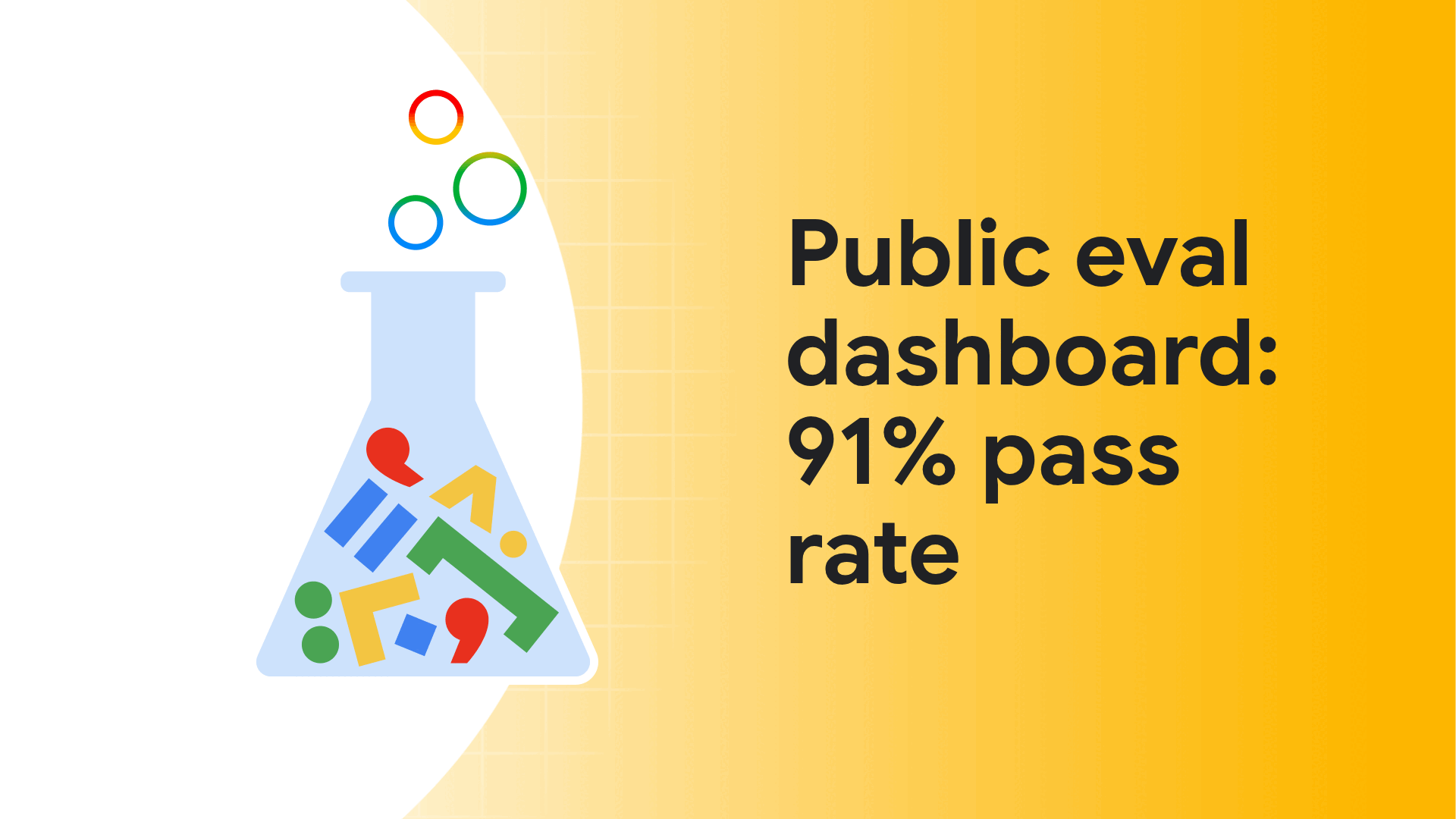
91% pass rate on the public evaluation dashboard
Inspect real-world evaluation prompts, AST checks, and benchmark pass rates comparing unguided frontier models (~51%) against Modern Web Guidance (91%).

Top 10 things AI gets wrong in web development
Explore 10 common tasks where unguided frontier models fail nearly half of modern web checks—from custom modals to layout thrashing—and how to fix them.
Cross-browser by default: How Baseline fallbacks work
Learn how live
web-features Baseline data and your project's browser targets automatically generate progressive enhancement, @supports queries, or polyfills.
Local vector search: From 507 MB to a 7-line loop
Go under the hood of Modern Web Guidance's lightweight local vector index, retrieving the exact guides your agent needs in milliseconds.
Beyond code generation: Continuous developer learning
Turn your coding agent into an interactive learning partner that introduces and explains modern HTML, CSS, and Web API features while you build.
Proven in production: Partner case studies
See how engineering teams at Policybazaar, MetaMask, WeTV, and note inc. use Modern Web Guidance and Chrome DevTools for agents in production.

Policybazaar & Pensionbazaar: 92% less auditing effort
Cut new page turnaround and UI bugs by over 90% and reduced manual Core Web Vitals auditing effort by 92% using Modern Web Guidance and DevTools for agents.

MetaMask: Automated PR reviews for modern UI
Deployed a three-line advisory PR review bot across ~480 pull requests, driving 43 accessibility and semantic HTML fixes with a 15-minute median turnaround.

WeTV: 87% faster performance debugging in CI/CD
Added Chrome DevTools for agents and Modern Web Guidance to CI/CD to automatically diagnose and fix 90% of recurring CLS regressions.
note inc.: 61% to 94% modern web guideline adherence
Combined Modern Web Guidance with rules for its internal
note-ui design system, lifting modern web adherence to 94% and LCP prioritization by 28%.
Prompts for better user experiences
Try out a few of the following sample prompts to invoke Modern Web Guidance in your AI-assisted coding workflow to build new features, modernize legacy code, and speed up your app.
Build new user experiences
Create an accordion-style stats component that smoothly animates on open and close.
Build a tab bar with a sliding highlight that tracks active items using CSS Anchor Positioning.
Design a dashboard card that uses container queries to adapt its layout to its own width.
Modernize legacy code
Update legacy modal window implementations to use the <dialog> element and animate them using modern CSS features.
Migrate legacy tooltips to use the Popover API and CSS Anchor Positioning.
Improve security
Implement a passkey-based login flow using the latest WebAuthn features.
Implement a starter Content Security Policy (CSP) without breaking my app.
Perform a security audit of my site and suggest improvements.
Improve performance
Set up my app to begin preloading pages when users hover over important links.
My app has lots of long tasks, and its INP is affected. Help me fix it.
Help me improve my app's LCP.

Intro to Modern Web Guidance codelab
Discover how to guide your AI coding assistants to produce cutting-edge, interoperable web code! In this introductory codelab, you will audit a legacy web app and use the Modern Web Guidance tool to prompt agents toward modern best practices. Learn to set Baseline browser targets, optimize Core Web Vitals, and transform generic AI outputs into high-performance web solutions.

Use Modern Web Guidance skills with Chrome DevTools for agents
Combine Chrome DevTools for agents with Modern Web Guidance skills to close the build-and-verify loop. Run real-time Lighthouse audits, emulate user flows, analyze memory leaks, and debug live browser sessions, Chrome extensions, or WebMCP tools via MCP or the CLI—then automatically apply modern web fixes.

Unlock runtime insights with third-party developer tools
Learn how frameworks and libraries can expose rich runtime state directly to AI coding assistants in Chrome DevTools for agents.

A developer toolkit to make your website agent-ready
Audit and test how AI agents interact with your pages using the Lighthouse Agentic browsing category and Chrome DevTools for agents.

Google Chat: 30+ memory leaks fixed with DevTools for agents
See how the Google Chat engineering team automated heap snapshot analysis with Chrome DevTools for agents to fix over 30 memory leaks.
Learn how to contribute
Have ideas on how to improve Modern Web Guidance? Learn how you can contribute!