 Alexandra Klepper [GitHub](https://github.com/alexandrascript) [Bluesky](https://bsky.app/profile/alexandrascript.com)
Published: September 5, 2025
[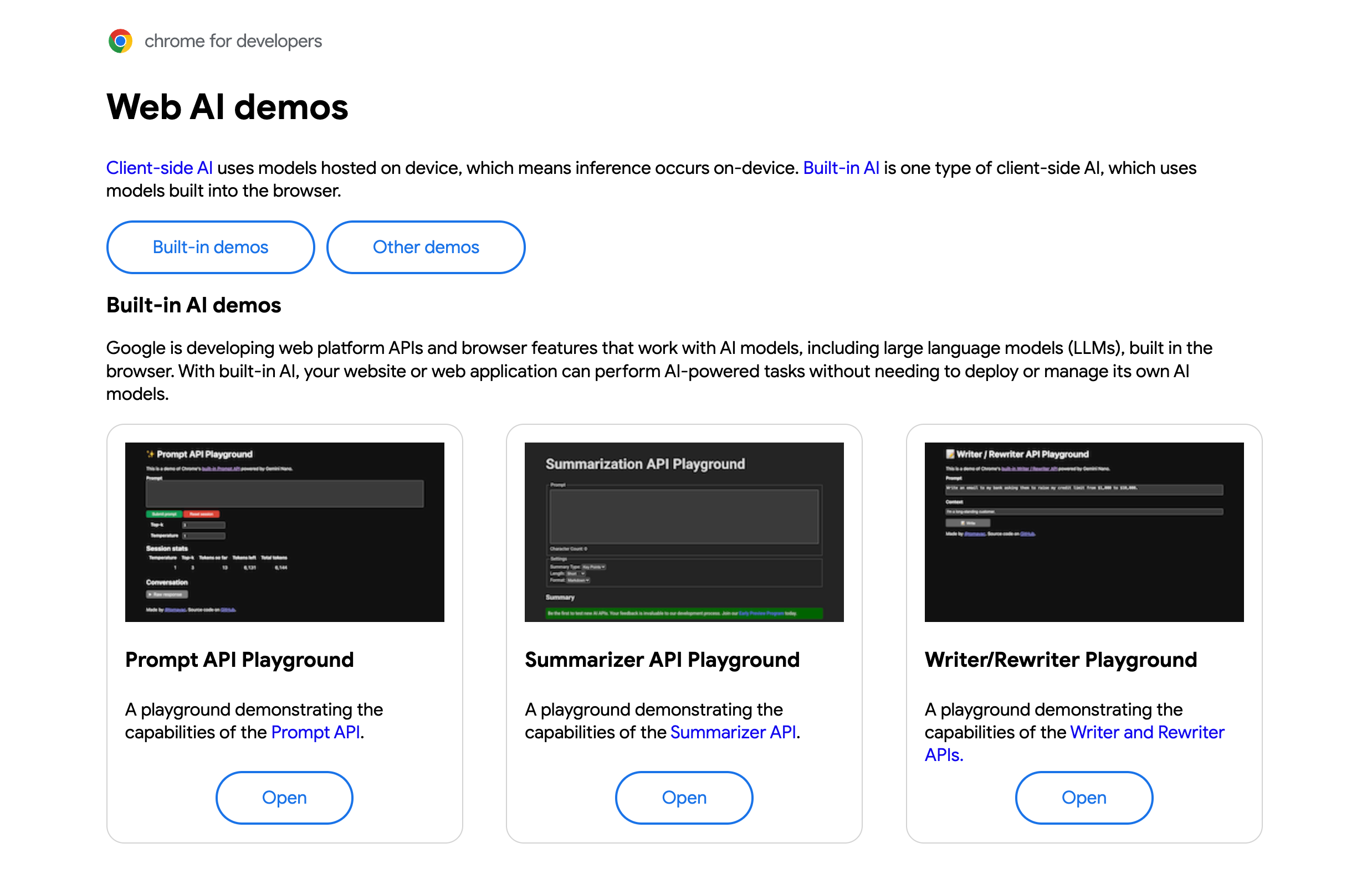](https://chrome.dev/web-ai-demos)
When the Chrome team works on a new API, we typically [create a
demo](https://chrome.dev/) so you can see it in action. Many [built-in AI
APIs](https://developer.chrome.com/docs/ai/built-in-apis) are available, each with their own playground and
some with even more demos. You can see these demos and try out client-side AI on
the [Web AI Demos page](https://chrome.dev/web-ai-demos).
Even if there's not an exact match for your use case, you can build a web
application or extension using the [playground
code](https://github.com/GoogleChromeLabs/web-ai-demos/) as a starting point.
If you want to understand the performance of the built-in models at a given
task, experiment with a playground to see if the model meets your expectations.
For example, if you want to know how well the Summarizer API can summarize
multi-page whitepapers, you can use the [summary of summaries
technique](https://developer.chrome.com/docs/ai/scale-summarization) and the [summary of summaries
playground](https://chrome.dev/web-ai-demos/summary-of-summaries/) to see how
well the API can distill the whitepaper into a concrete summary.
## Engage and share feedback
Discover all of the [built-in AI APIs](https://developer.chrome.com/docs/ai/built-in-apis.md.txt) that use models,
including expert models and large language models in the
browser.
- [Join the early preview program](http://goo.gle/chrome-ai-dev-preview-join) for an early look at new APIs and access to our mailing list.
- [File a Chromium bug](https://new.crbug.com/) to share feedback on Chrome's implementation of these APIs.
Do you have an idea for a new task API? We want to hear from you. [Meet the AI
team](https://developer.chrome.com/docs/ai/team) and share your ideas and what you want to work on with AI
on the web.